Warning: Attempt to read property "Title" on null in /home/hermitagenet/hermitage-netaudio.com/public_html/wp-content/themes/cocoon-master/lib/shortcodes-amazon.php on line 693
Warning: Attempt to read property "DisplayValue" on null in /home/hermitagenet/hermitage-netaudio.com/public_html/wp-content/themes/cocoon-master/lib/shortcodes-amazon.php on line 693
Warning: Attempt to read property "Classifications" on null in /home/hermitagenet/hermitage-netaudio.com/public_html/wp-content/themes/cocoon-master/lib/shortcodes-amazon.php on line 700
Warning: Attempt to read property "ProductGroup" on null in /home/hermitagenet/hermitage-netaudio.com/public_html/wp-content/themes/cocoon-master/lib/shortcodes-amazon.php on line 701
Warning: Attempt to read property "DisplayValue" on null in /home/hermitagenet/hermitage-netaudio.com/public_html/wp-content/themes/cocoon-master/lib/shortcodes-amazon.php on line 701
買い替えを柔軟に
突然壊れてしまうとすぐに代わりにが必要で、高くても買わざるを得ないという場合もありますが、予備があれば壊れかけたとしてもすぐに買い替えなくて済むので、たくさんポイント還元がつく時期やセールの時期に調達する猶予を作ることができます。
こうしたことはパソコン本体でもマウスやキーボードでも同じことがいえるので、パソコンは必ず買い替えサイクルをこまめにしてバックアップを1台用意しておき、愛用している入力機器については、2台目をお買い得な時期に用意しておくようしています。
2台目のコントローラを購入してあった
最初からPlaystaion5を購入するなら必ず2台目を用意するつもりでいましたので、DualSense ワイヤレスコントローラー (CFI-ZCT1J)を2020年11月にすでに調達してありました。本体を入手できたのでようやく日の目を見ることができます。
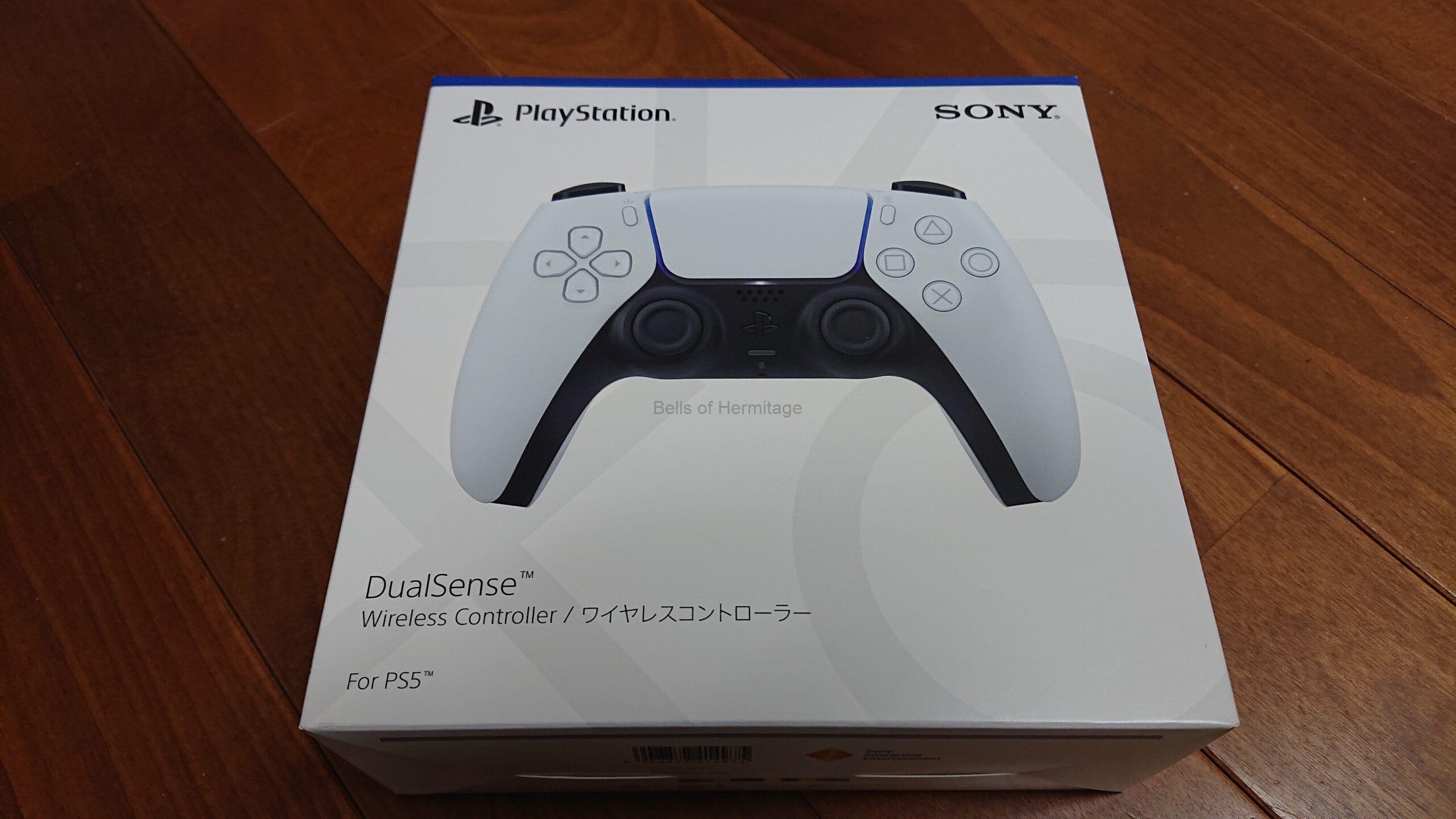


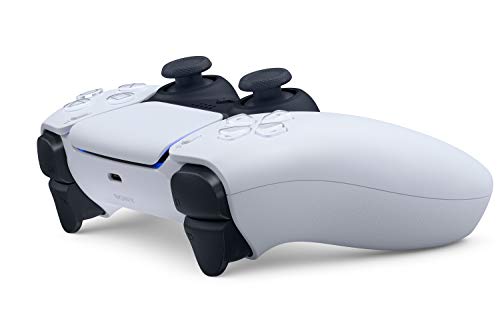


中に入っているのは本体と説明書だけですね。
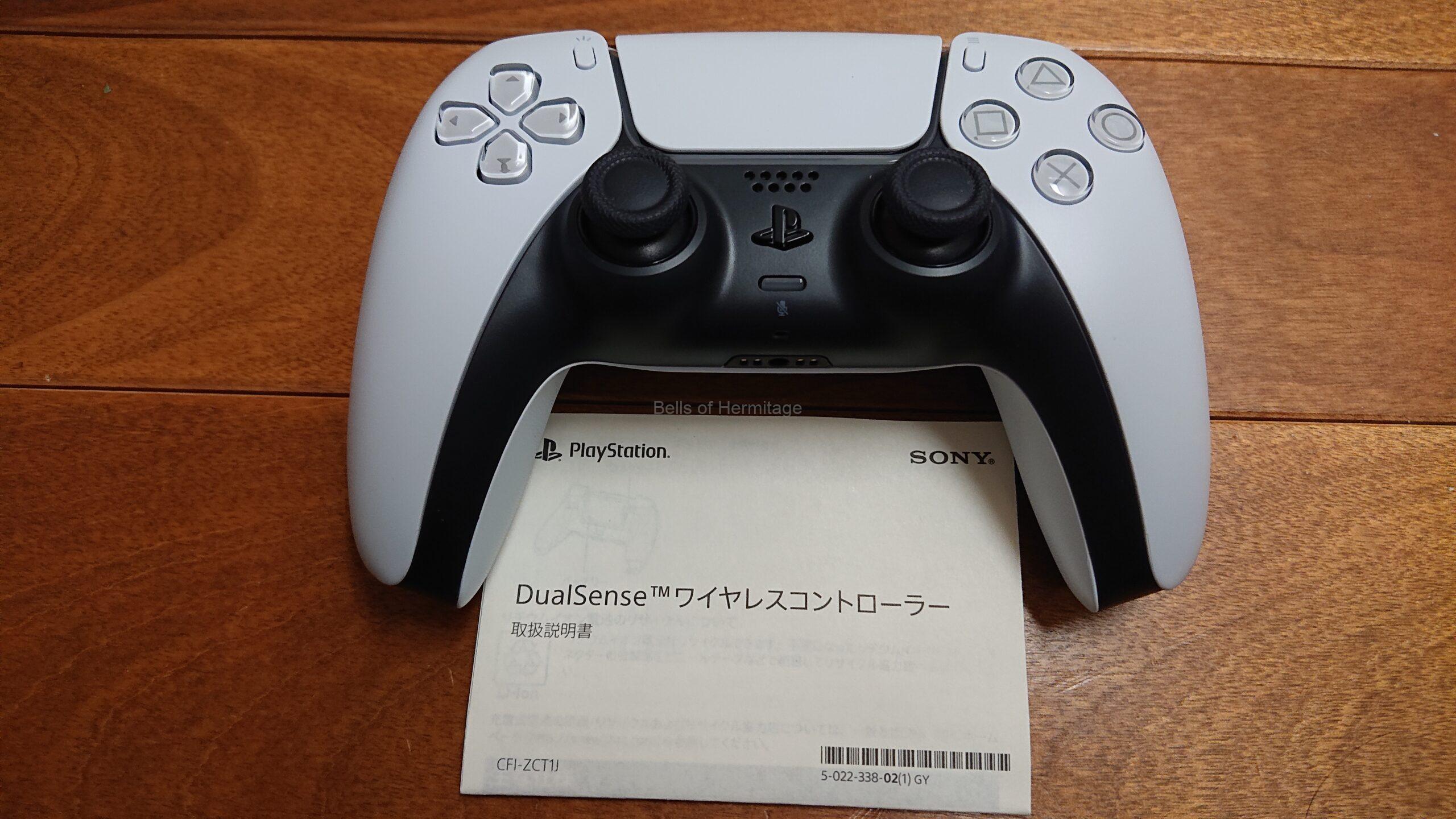
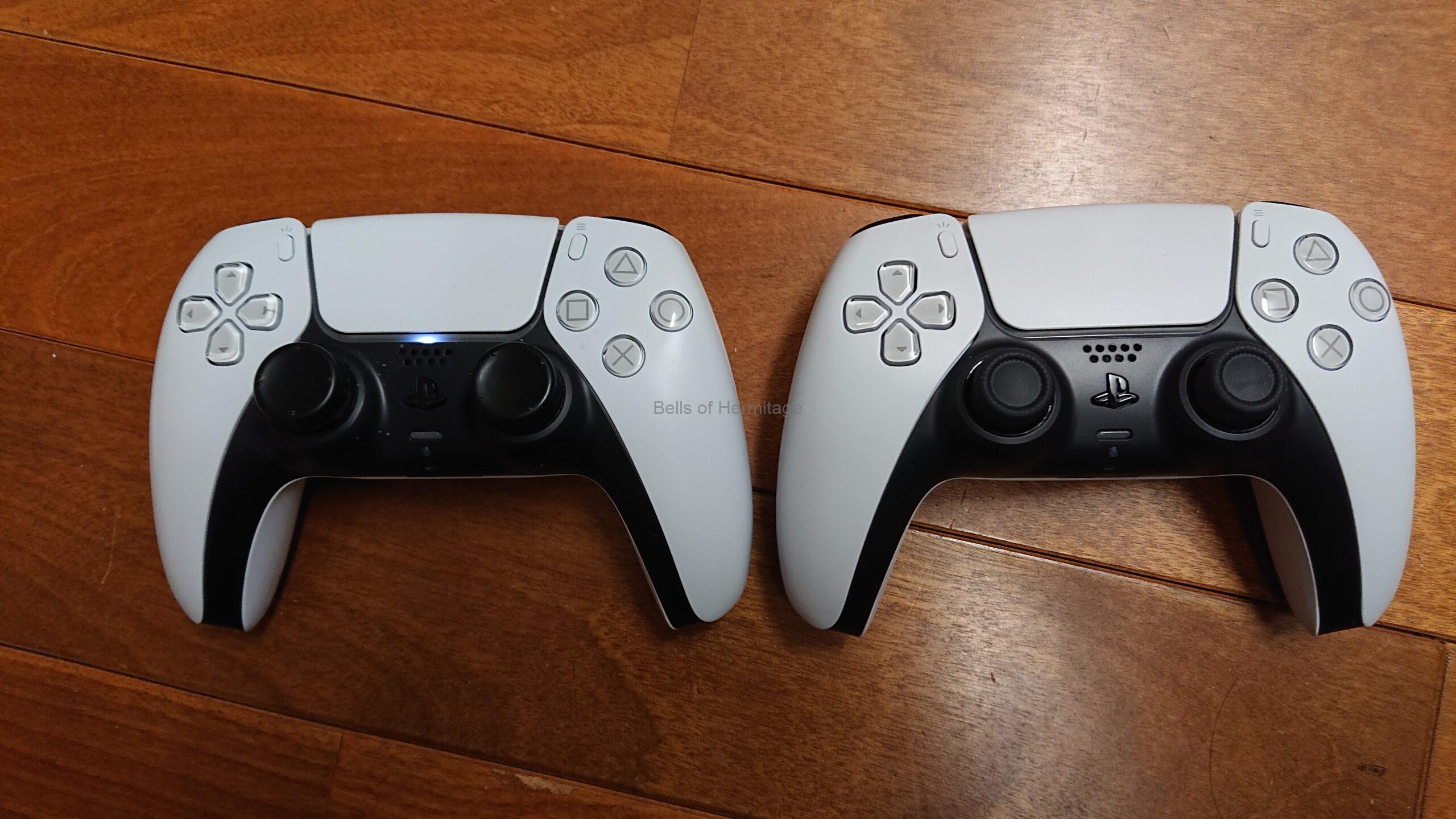
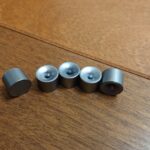
本体に付属していたものと基本的に変わりありませんが、左の古い方のコントローラには、FPS用の狙いを定めやすくするシリコン製のカバーをDualShock4から流用して、アナログスティックに付けてあります。
コメント